



Created by:
 Product-Led Alliance
Every change to your product is an opportunity to communicate with your customers – but only if you get the message right. Whether you're launching something new, improving something existing, or removing something entirely, how you communicate it shapes how customers feel about it.
This template gives you five ready-to-use email templates to cover every feature update scenario, so you're never starting from a blank page.
What is a feature update email template?
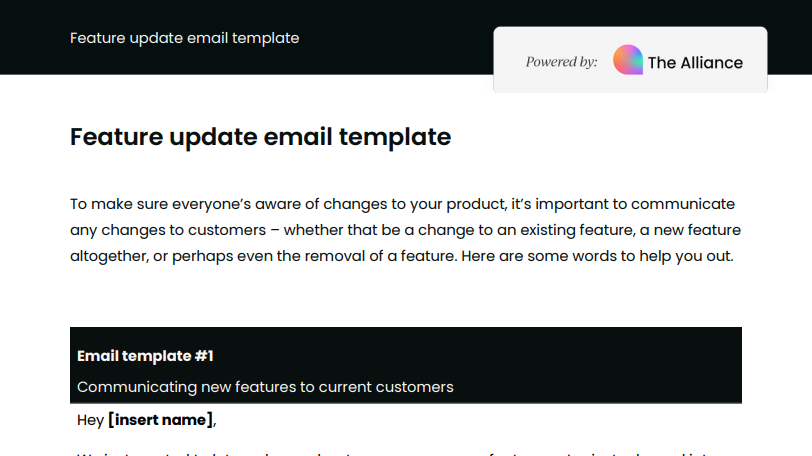
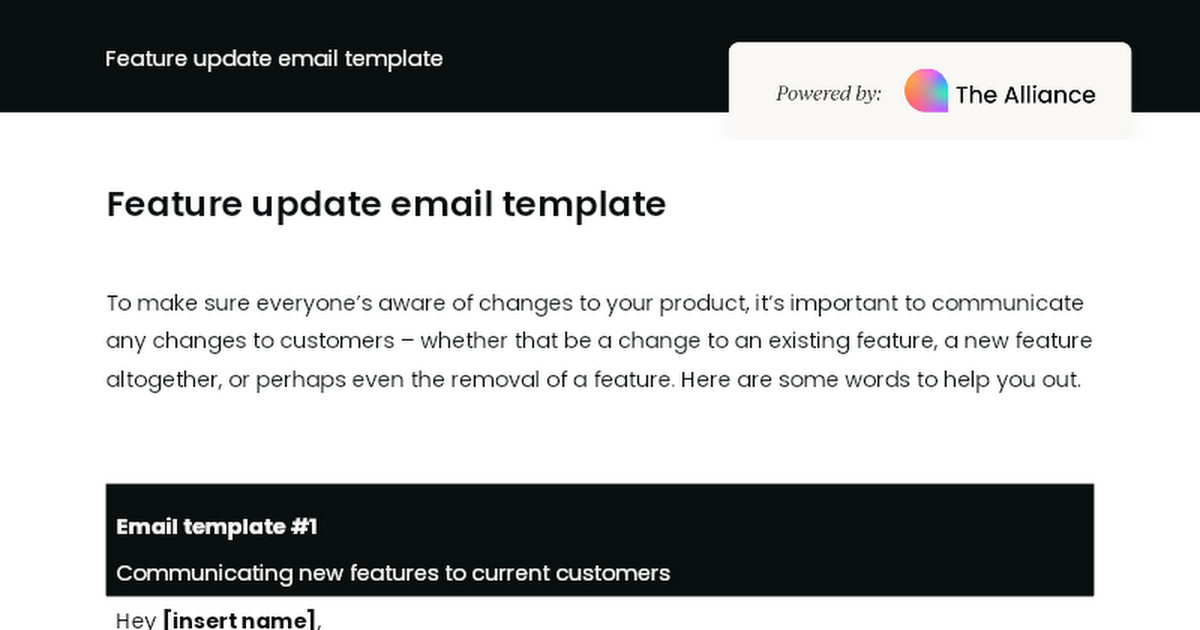
This resource includes five distinct email templates, each tailored to a specific type of feature communication:
- New feature for current customers: Announce a new feature with its key benefits, a tutorial video, and an invitation for feedback.
- Win-back email for ex-customers: Re-engage customers who left because you didn't previously offer a feature they needed, with a time-limited incentive to return.
- Premium-only feature: Let premium users know about a feature exclusive to their plan, with a clear upgrade prompt for those who aren't yet on it.
- Update to an existing feature: Communicate improvements to a feature customers already use, with a breakdown of what's changed and how to make the most of it.
- Removal of a feature: Handle the sensitive task of communicating a feature removal clearly and with empathy, directing customers to alternative ways to achieve the same outcomes.
Each template includes placeholder fields throughout, making them quick to adapt for your specific product and audience.
Who is it for?
This template is for product managers and product leaders who need a consistent, professional way to communicate product changes to their customers. It's useful whether you're managing a major launch, a minor update, or the difficult conversation around removing functionality users have come to rely on.
How to use the template
Select the template that fits your situation, and work through the placeholder fields, replacing each one with your product name, feature name, outcomes, and any other relevant details.
For the win-back and premium templates, make sure any offers, deadlines, and upgrade links are confirmed before sending. For the feature removal template, pay particular attention to the alternative steps – the clearer and more reassuring these are, the better the response from customers who are affected.
Download your feature update email template



Become a PLA Insider
Thank you for subscribing
Get exclusive insights, frameworks, and strategies from product leaders driving real business impact.
An email has been successfully sent to confirm your subscription.
 Follow us on LinkedIn